
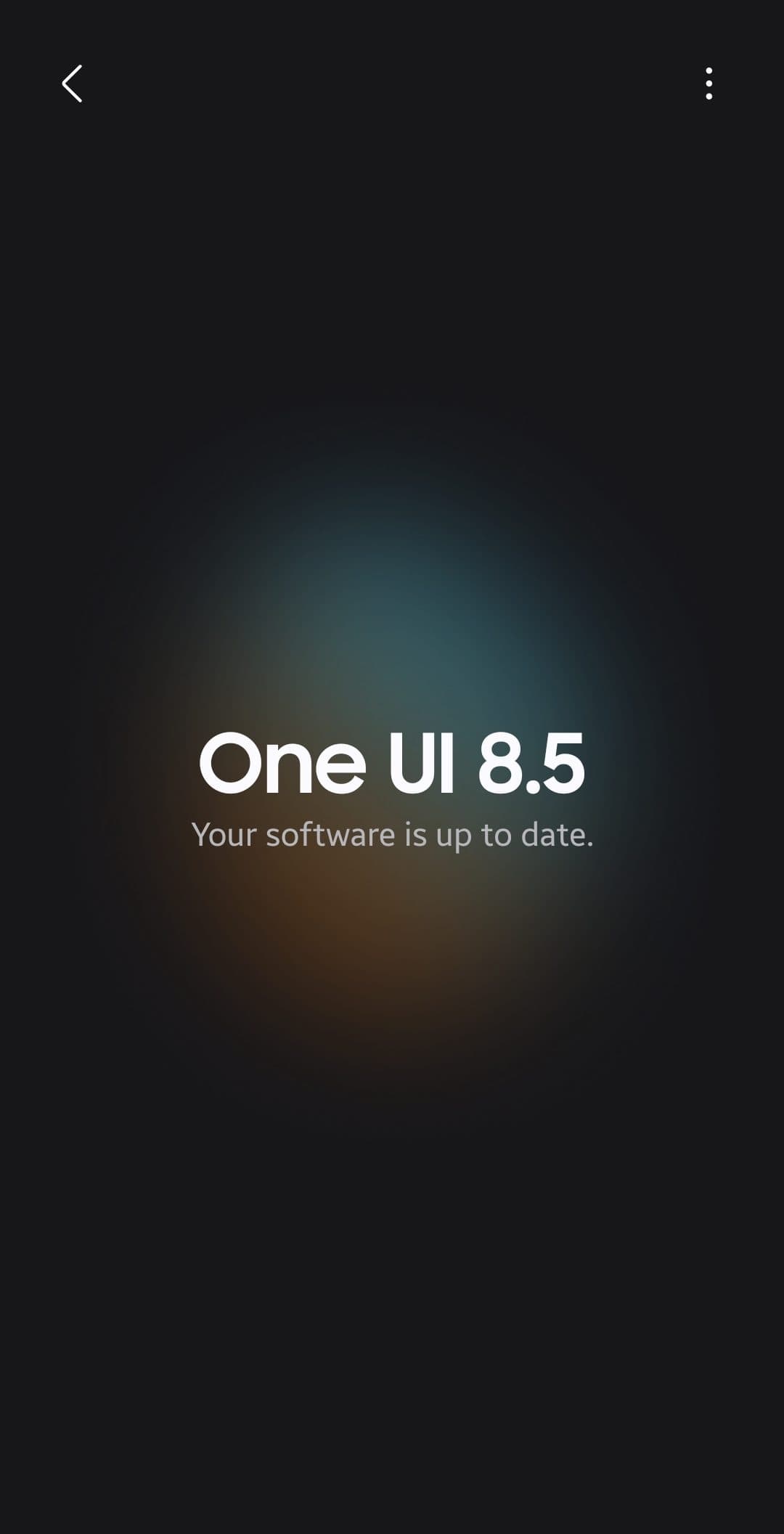
Samsung has confirmed a fix for the One UI 8.5 NavStar issue in the upcoming One UI 9 update. The bug prevents some Galaxy tablets from hiding the navigation bar through Good Lock’s NavStar module. Samsung has not announced a release date for the fix, so affected owners must wait for One UI 9.
What Happened and Why the One UI 8.5 NavStar Issue Matters
The problem affects NavStar’s Fix/Hide Button feature. When enabled, the navigation bar can remain visible at the bottom of the screen instead of disappearing.
Samsung acknowledged the issue through a moderator response on the Samsung Community forum. The moderator explained that the fix requires a change to the main software platform, not only a NavStar update.
That detail explains why Samsung cannot solve the problem through a small Galaxy Store patch. The fault appears to involve how One UI handles the navigation bar, rather than NavStar alone.
Galaxy Tab S10 Ultra owners face the biggest inconvenience. The large display makes the persistent navigation bar more distracting during video playback, reading, and productivity work.
Background: Why NavStar Depends on One UI
NavStar belongs to Samsung’s Good Lock suite. The module lets Galaxy users customize navigation gestures, navigation icons, button layouts, and visibility controls.
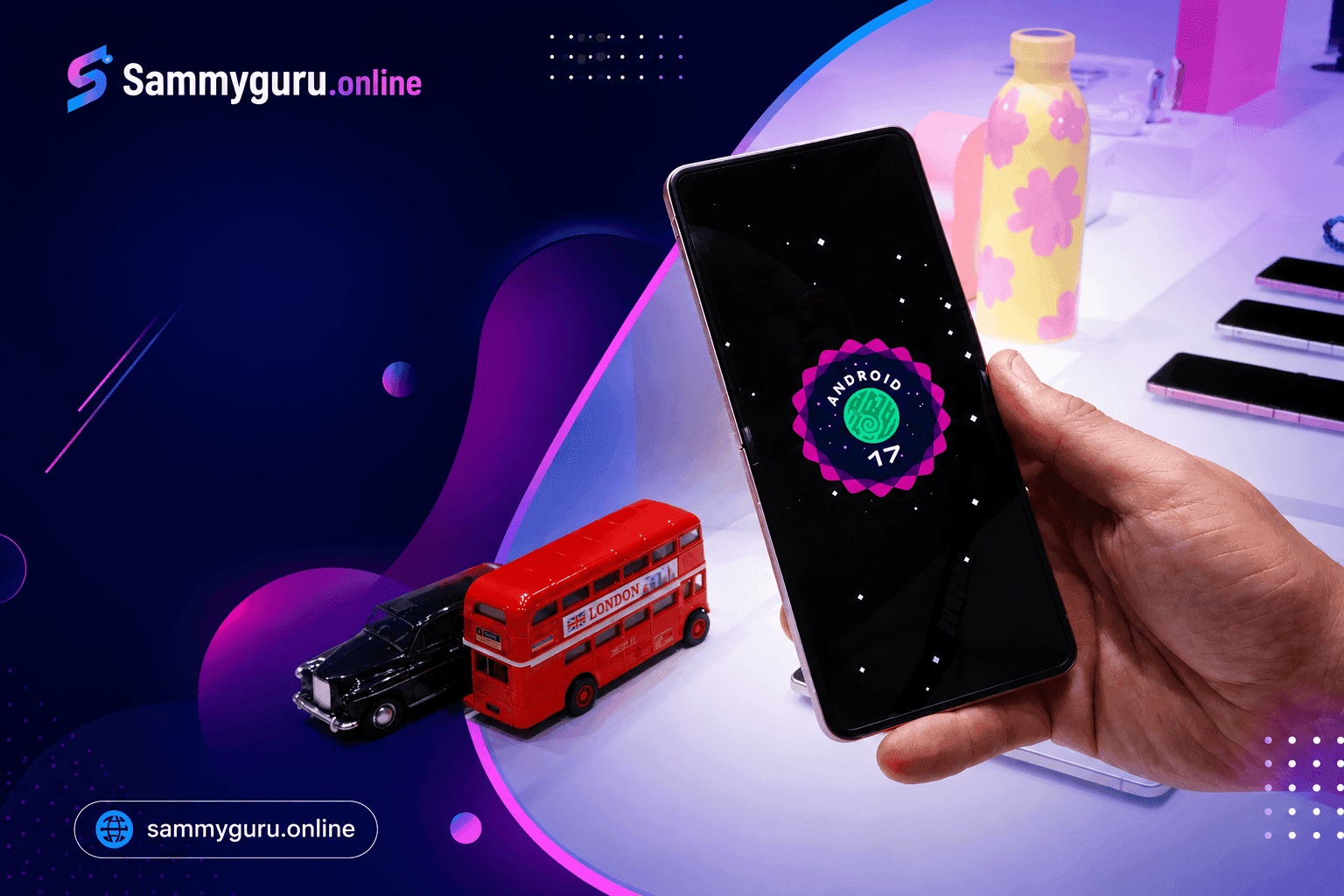
Samsung has already prepared NavStar for One UI 9. SamMobile reported that NavStar version 9.0.00.11 added compatibility with One UI 9 and Android 17 for Galaxy S26 devices.
That update improves compatibility, but it does not replace the platform-level fix Samsung described. The distinction matters if you already installed the latest NavStar version and the navigation bar still refuses to hide.
Samsung has faced similar Good Lock compatibility problems during major One UI transitions. SammyGuru’s Good Lock compatibility guide for One UI 9 explains why modules can behave differently across devices and software builds.
Key Details About Samsung’s Confirmed Fix
Samsung’s response confirms four practical details:
- The bug started after some devices upgraded to One UI 8.5.
- NavStar’s hide button does not always remove the navigation bar.
- Pulling down the notification panel can temporarily hide the bar.
- One UI 9 contains an improved fix for the problem.
The workaround remains awkward. You must pull down the notification panel whenever the navigation bar stays visible.
Have you seen the same behavior on a Galaxy phone or tablet after installing One UI 8.5? Your device model and software build could help identify whether the issue affects a specific rollout.
Samsung has not provided a confirmed One UI 9 release date for older Galaxy devices. Samsung’s official One UI 9 beta announcement confirms Android 17, selected beta markets, and several new features, but it does not publish a stable rollout schedule.
What’s Confirmed and What’s Still Unclear About the NavStar Bug
Confirmed: Samsung acknowledged the navigation bar problem through a Samsung Community moderator.
Still unclear: Samsung has not published the affected device list or identified the exact One UI 8.5 build that introduced the bug.
What it means: Galaxy Tab owners should not assume every One UI 8.5 device suffers from the same problem.
Confirmed: Samsung says One UI 9 includes an improvement for the issue.
Still unclear: Samsung has not confirmed whether the fix will reach every Galaxy device receiving One UI 9.
What it means: Older tablets may receive different NavStar behavior depending on hardware, region, and firmware.
Confirmed: NavStar version 9.0.00.11 supports One UI 9 on compatible devices, according to SamMobile’s July 3 report.
Still unclear: The NavStar update alone may not fix the One UI 8.5 bug.
What it means: Updating NavStar makes sense, but affected users should not expect a guaranteed repair before One UI 9 arrives.
What This Means for Galaxy Tablet Owners
Affected users should install the latest NavStar update through Good Lock or the Galaxy Store. The update may improve general compatibility, but Samsung’s own explanation points to One UI 9 as the real fix.
You can also disable the NavStar hide button temporarily if the persistent bar causes more trouble than it solves. That choice sacrifices screen space, but it removes the need to open the notification panel repeatedly.
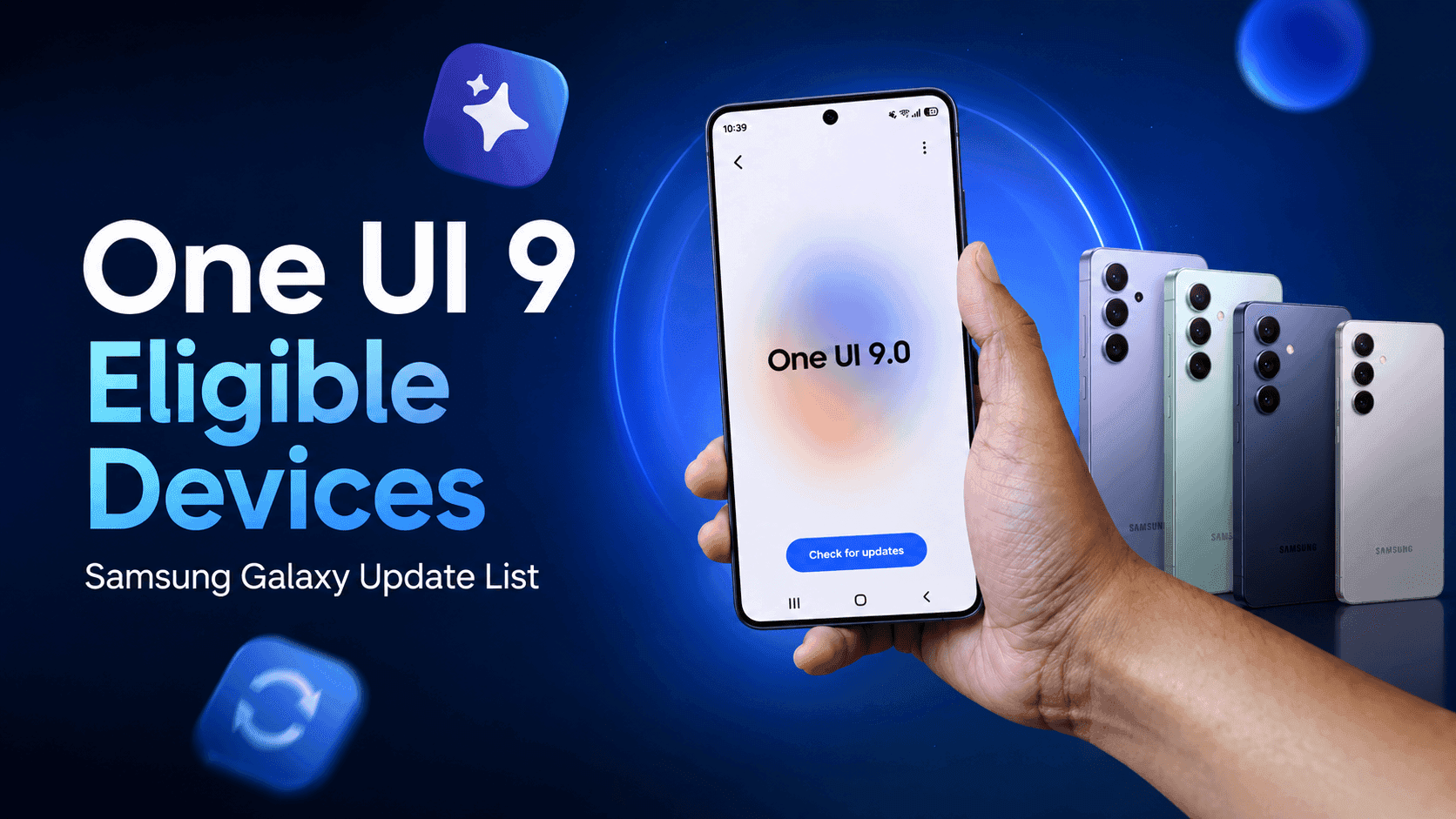
Samsung’s One UI 9 eligible devices guide can help you check whether your Galaxy tablet appears on the current expected update list. Treat eligibility as a prediction until Samsung publishes a device-specific rollout notice.
Do you use NavStar for gesture controls, or do you prefer Samsung’s default navigation settings? That answer determines whether waiting for One UI 9 is worth the inconvenience.
Frequently Asked Questions About the One UI 8.5 NavStar Issue
Q: What is the One UI 8.5 NavStar issue?
A: The issue prevents NavStar’s Fix/Hide Button from hiding the navigation bar correctly. Some Galaxy users see the bar remain visible until they pull down the notification panel.
Q: Did Samsung fix the NavStar bug?
A: Samsung confirmed that One UI 9 includes an improvement for the problem. The company has not confirmed a separate One UI 8.5 patch or provided a stable release date.
Q: Can updating NavStar fix the problem?
A: Updating NavStar remains a sensible step, especially on One UI 9 devices. Samsung says the underlying repair requires a platform change, so the module update alone may not solve the One UI 8.5 issue.
Q: Which Galaxy devices experience the navigation bar bug?
A: Samsung has not published a complete affected-device list. SammyFans specifically highlighted Galaxy Tab users, including Galaxy Tab S10 Ultra owners, but reports do not confirm every affected model.
Watch for the One UI 9 Rollout
Samsung’s confirmation gives affected Galaxy owners a clear answer, but not an immediate remedy. Keep NavStar updated, check Settings > Software update, and watch the Samsung Members app for your device’s One UI 9 notice.
The One UI 8.5 NavStar issue should end with One UI 9, though Samsung still needs to clarify rollout timing and device coverage. Tell us your Galaxy model and whether the navigation bar stays visible after enabling NavStar’s hide button.



Responses (0 )