
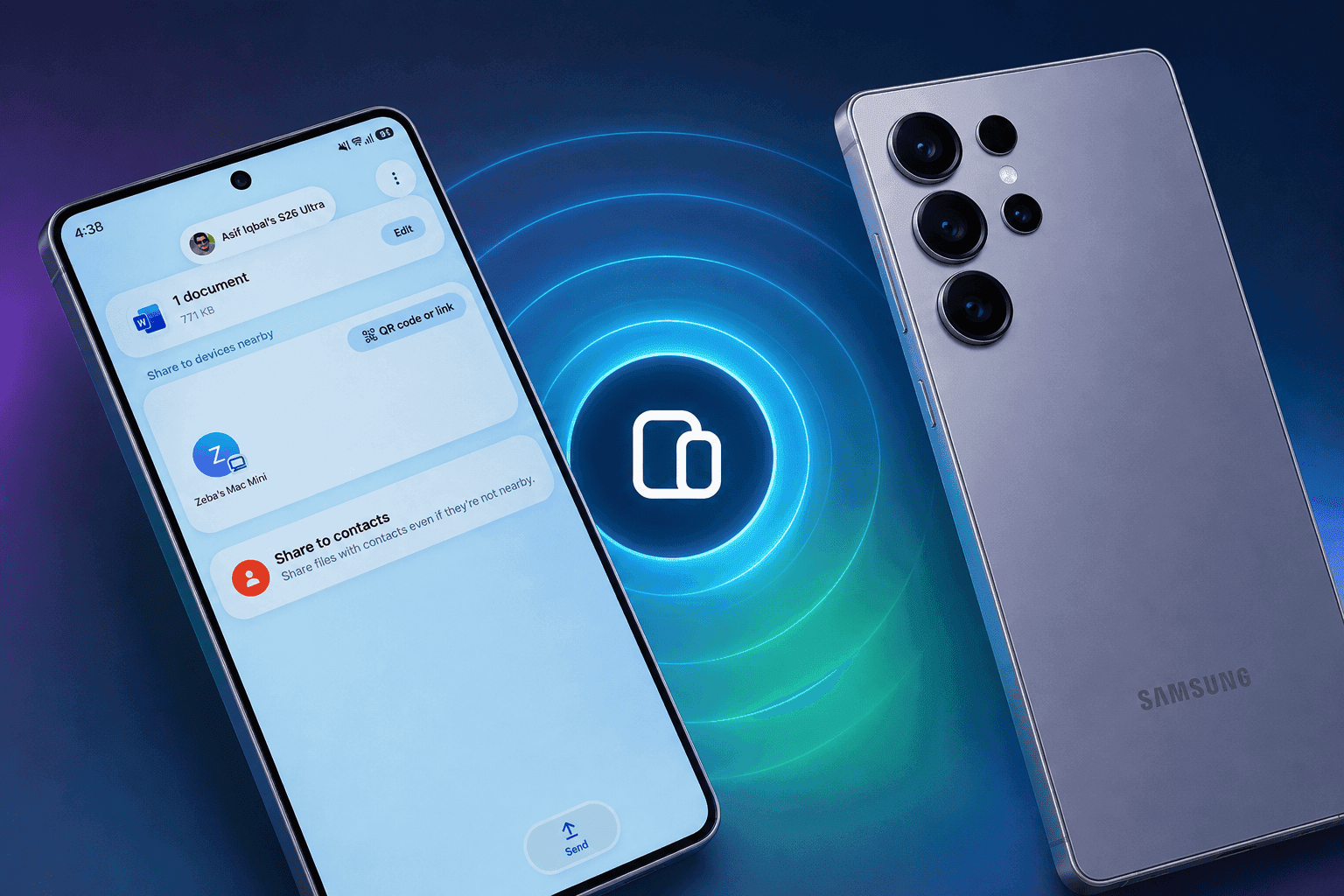
Google will bring Tap to Share to Samsung Galaxy phones soon, adding a faster way to exchange contacts, photos, videos, links, and files through Quick Share.
The feature will reach the Galaxy Z Fold8 Ultra, Galaxy Z Fold8, and Galaxy Z Flip8 first. Other Galaxy phones should receive it after the Android 17-based One UI 9 update arrives.
What Happened and Why It Matters
Tap to Share lets two compatible Android phones start a Quick Share transfer by bringing them close together. Google began rolling out the feature to Pixel 6 and newer phones on August 12, according to 9to5Google.
Samsung’s latest foldables will receive the feature next. SamMobile reports that older Galaxy devices need Android 17 and One UI 9 before Tap to Share can work.
The change removes one awkward part of Quick Share. You no longer need to open the Quick Share panel and hunt for the recipient’s device.
Would you rather tap two phones together or select a device from a crowded sharing menu?
Background and Context
Tap to Share builds on Quick Share rather than replacing it. Google still uses NFC to detect the nearby phone, then Quick Share handles the transfer through its existing wireless connection.
Google’s Android support documentation describes Quick Share as a nearby file-sharing service for Android devices. It supports photos, videos, links, and other files without requiring a messaging app or cloud upload.
The feature also follows Apple’s NameDrop approach. Apple introduced NameDrop with iOS 17, while Google now brings a similar contact-sharing gesture to Android.
Earlier One UI 9 test builds already exposed Tap to Share settings. Android Authority traced related code through Samsung’s software, Google Play Services, and Android 17.
Key Details for Galaxy Owners
Tap to Share should handle several types of content through Quick Share:
- Contacts can move between two compatible phones from the home screen. Google describes this as an instant, two-way exchange.
- Photos, videos, links, and other files require you to open the content first. Tap the Share button, then bring the phones together.
- Both phones need compatible Android software and NFC support. The receiving user must accept the transfer.
- Google plans to expand the feature to more Android devices by the end of 2026. The company has not published Samsung’s full device schedule.
Samsung’s Galaxy Z Fold8 Ultra, Galaxy Z Fold8, and Galaxy Z Flip8 will receive Tap to Share soon. SamMobile says Samsung’s new foldables launched with Android 17 and One UI 9, but the feature did not arrive immediately.
What's Confirmed and What's Still Unclear About Tap to Share
Confirmed: Google began rolling out Tap to Share for Pixel 6 and newer phones, according to Google’s Android support information and 9to5Google.
Still Unclear: Google has not provided a specific Samsung rollout date.
What It Means: Galaxy owners should not expect the feature immediately after installing One UI 9.
Confirmed: Google named the Galaxy Z Fold8 Ultra, Galaxy Z Fold8, and Galaxy Z Flip8 as upcoming supported devices. TechCrunch covered the announcement alongside the Pixel 11 launch.
Still Unclear: Samsung has not published a complete list of older Galaxy models.
What It Means: Galaxy S26 owners have a stronger case for support, but Samsung must confirm each model.
Confirmed: Tap to Share uses NFC to begin the connection, while Quick Share transfers the content. Android Authority documented this design during earlier testing.
Still Unclear: Samsung’s exact tap position and setup may differ across Galaxy models.
What It Means: Thick cases, disabled NFC, or unusual antenna placement could affect the experience.
What This Means for You
Most Galaxy users will gain convenience rather than a new transfer system. Quick Share already sends files quickly, but Tap to Share should make the first connection easier.
The feature could help when sharing a contact at a meeting or sending several photos after an event. You still control the transfer, since the recipient must accept incoming content.
Do you own a Galaxy S26, Galaxy Z Fold8, Galaxy Z Flip8, or an older model? Your One UI 9 eligibility will likely decide when Tap to Share reaches your phone.
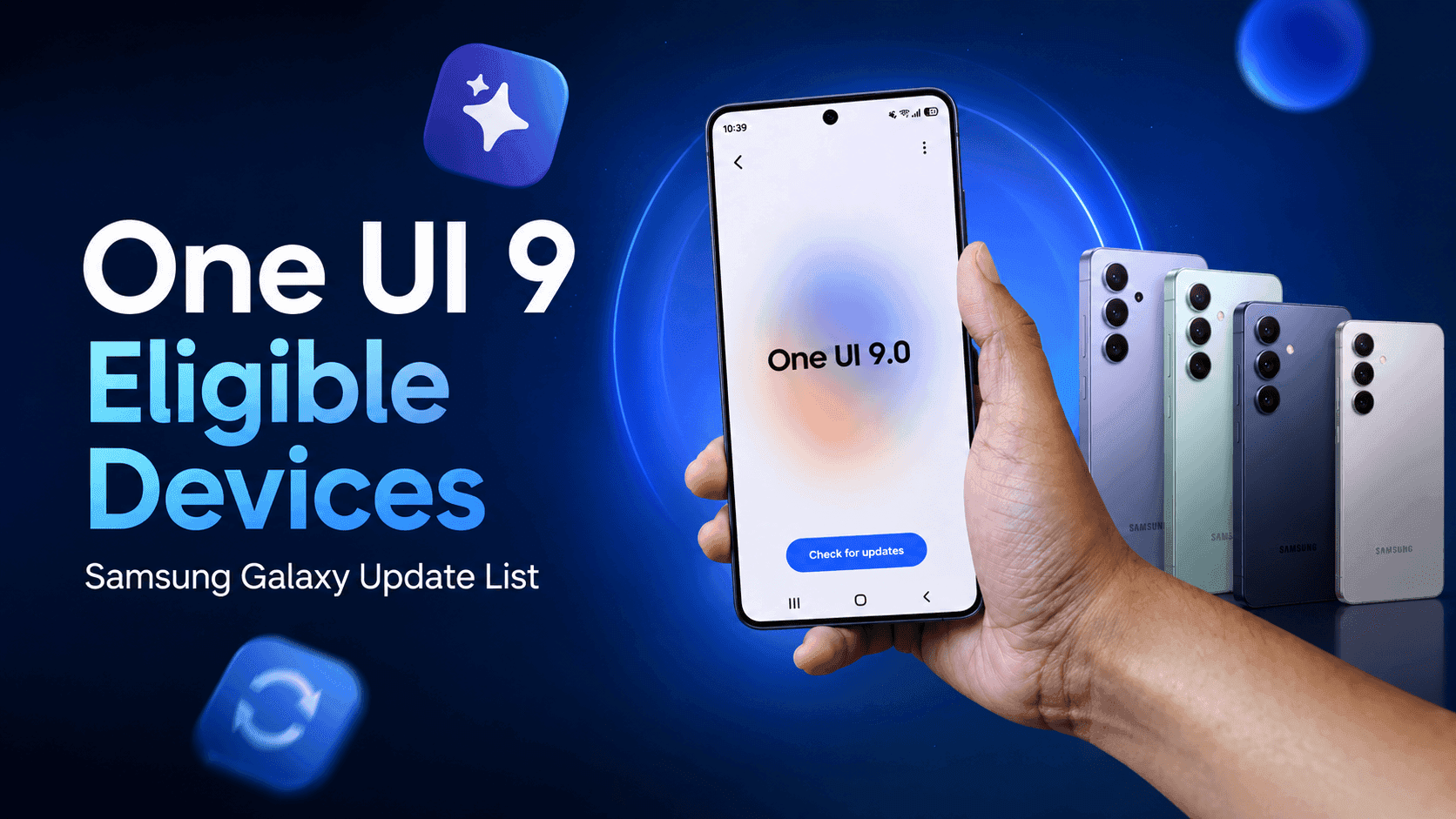
Check your Galaxy’s software update page once One UI 9 begins its wider rollout. Sammyguru’s One UI 9 eligible devices list tracks Samsung’s confirmed information and likely candidates.
Frequently Asked Questions About Tap to Share
Q: When will Tap to Share arrive on Samsung Galaxy phones?
A: Google says Tap to Share will come soon to the Galaxy Z Fold8 Ultra, Galaxy Z Fold8, and Galaxy Z Flip8. Other Galaxy phones need Android 17 and One UI 9. Samsung has not announced exact dates.
Q: Which Galaxy phones support Tap to Share?
A: Samsung’s newest foldables will receive Tap to Share first. Samsung has not confirmed the complete older Galaxy device list. Galaxy owners should check their One UI 9 update eligibility before expecting support.
Q: Does Tap to Share replace Quick Share?
A: No. Tap to Share adds a physical phone gesture that starts the connection. Quick Share continues handling the wireless file transfer.
Q: Can Galaxy phones use Tap to Share with iPhones?
A: Google’s announcement covers compatible Android devices. It does not confirm Tap to Share support with iPhones. Galaxy phones can use separate Quick Share and AirDrop sharing features on supported models.
Q: Do both phones need NFC for Tap to Share?
A: Tap to Share uses NFC to detect the nearby phone, so compatible devices need NFC support. Both phones also need compatible software, and the recipient must approve the transfer.
Watch for Samsung’s One UI 9 Rollout
Tap to Share looks like a small Quick Share change with a large usability benefit. Samsung Galaxy owners should watch for the One UI 9 rollout and Samsung’s final supported-device list.
The Galaxy Z Fold8 Ultra, Galaxy Z Fold8, and Galaxy Z Flip8 should receive the feature first. Older phones may wait longer, even after receiving Android 17.
Which Galaxy device do you want to test with Tap to Share? Tell us in the comments.





Responses (0 )