
Last checked: August 12, 2026
Samsung’s Good Lock catalog changes by region, device, and One UI version. Fine Lock offers another route to missing modules, but it cannot bypass Samsung’s hardware limits or guarantee compatibility. This guide separates confirmed facts from conditional advice, with compatibility notes dated against the latest available Samsung listings.
Key Takeaways
- [Confirmed] Fine Lock acts as a launcher for Good Lock and Good Guardians modules.
- [Confirmed] Fine Lock cannot download module APKs directly through its Android app.
- [Confirmed] Samsung lists One UI 9 support for several modules, including LockStar, NavStar, MultiStar, QuickStar, RegiStar, and One Hand Operation+.
- [Conditional] A module may install through Fine Lock but still lack features on a specific Galaxy model.
- [Confirmed] Keys Cafe has separate compatibility notes for One UI 4 through One UI 7 and One UI 8 or newer.
- [Unverified] Fine Lock cannot promise that every Samsung module works on every supported Galaxy phone.
Why Good Lock Modules Do Not Appear for Every Galaxy User
Good Lock availability depends on more than your phone model. Samsung also controls distribution through Galaxy Store region settings, device software, One UI version, and module requirements.
That explains why two Galaxy owners can search for the same module and see different results. One person may find Home Up immediately, while another sees no listing at all.
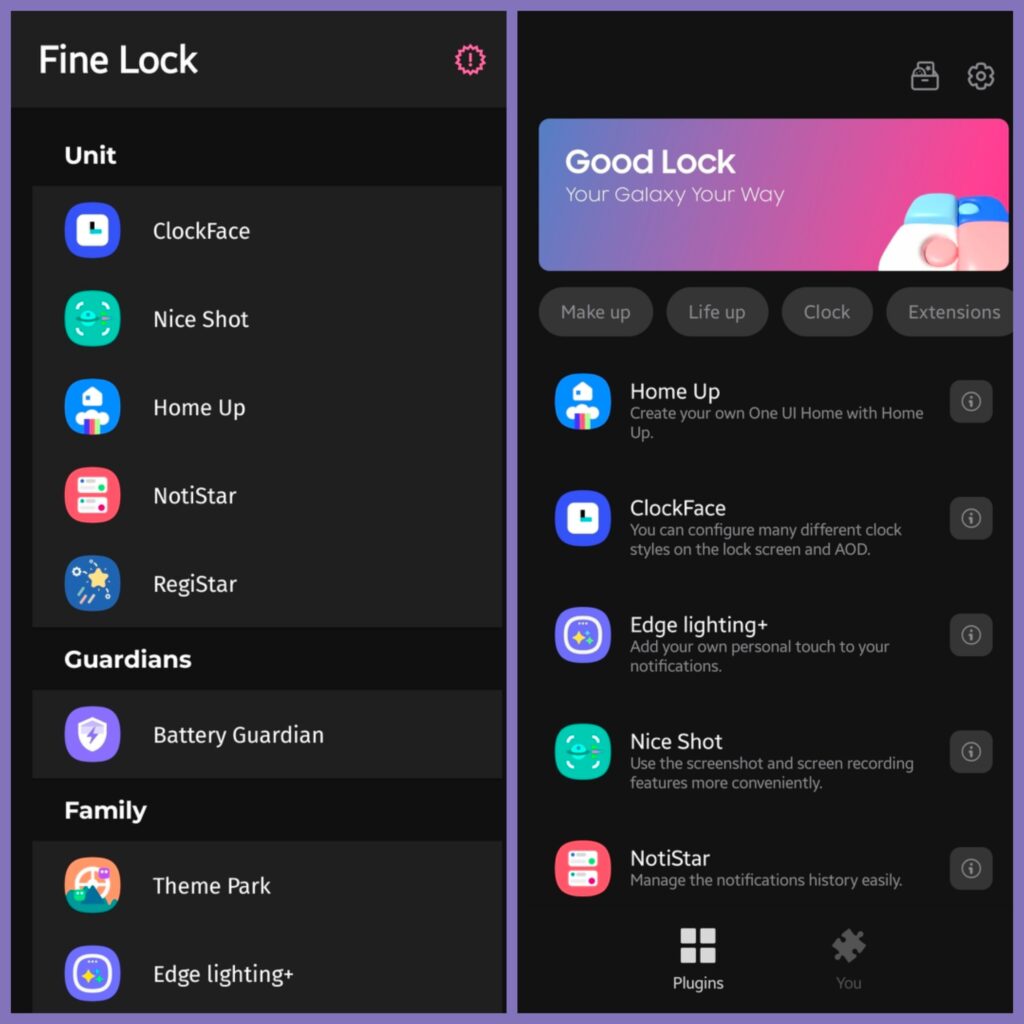
[Confirmed] Samsung’s Good Lock modules operate as separate plugins. The suite covers lock screens, Quick Settings, navigation, multitasking, keyboards, notifications, wallpapers, and home screen controls.
Examples include:
- LockStar for lock screen and Always On Display layouts.
- Home Up for One UI Home customization.
- QuickStar for Quick Settings and status bar controls.
- Keys Cafe for Samsung Keyboard layouts, themes, and effects.
- NavStar for navigation bar and gesture options.
- MultiStar for multitasking features.
- NotiStar for notification history and notification search.
- RegiStar for Settings customization and back-tap actions.
Samsung’s Good Lock Google Play listing describes the suite as a collection of plugins for customizing the status bar, Quick Panel, lock screen, keyboard, and other Galaxy features.
[Confirmed, dated August 7, 2026] Samsung has said it plans to share more One UI 9 Good Lock feature details after the module updates are finalized. That means the current catalog remains subject to change as Samsung completes its rollout.
What Fine Lock Can and Cannot Do
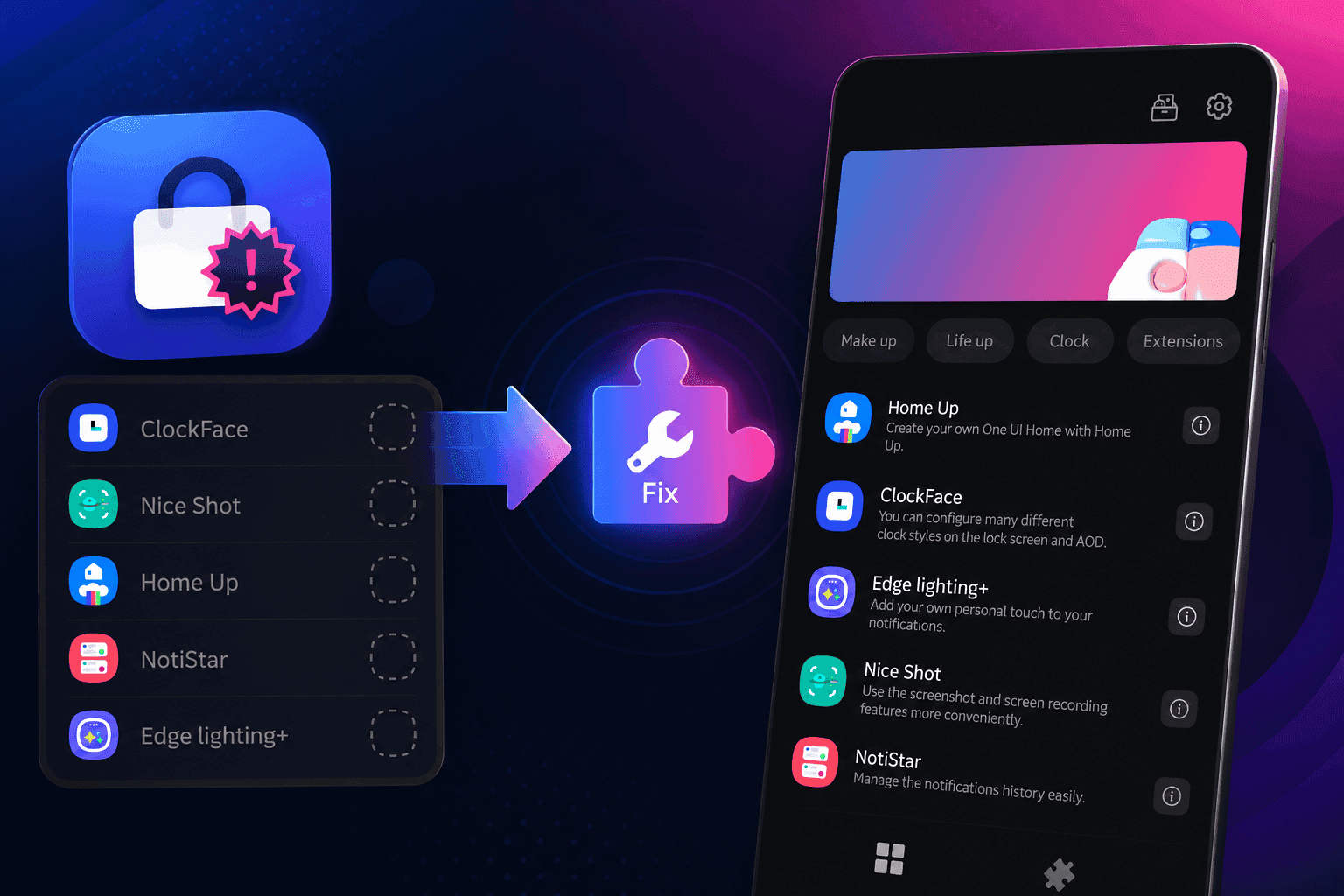
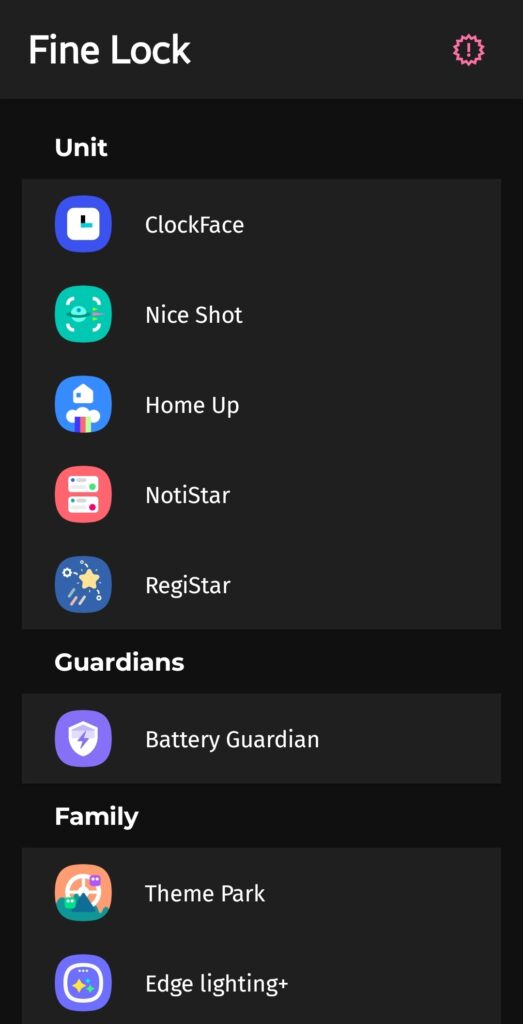
Fine Lock gives you a single interface for launching Good Lock and Good Guardians modules. The Fine Lock website describes it as a launcher for modules that Samsung does not make available in every market.
[Confirmed] Fine Lock does not replace Samsung’s module code. Samsung still develops and maintains the actual Good Lock plugins.
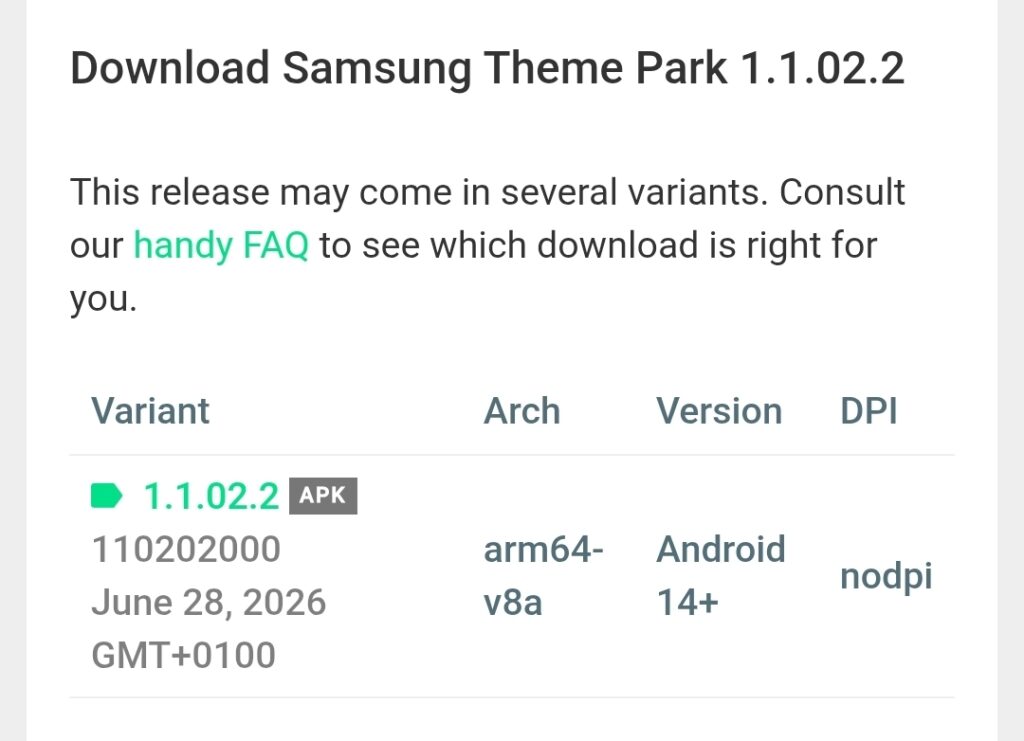
[Confirmed] Fine Lock cannot download module APKs inside the app. Its developer attributes that limitation to Google Play policies and directs users to download packages manually.
[Conditional] Fine Lock can help you reach a module that Galaxy Store hides in your region. The module still needs to support your Galaxy phone and One UI build.
| Installation route | Helps with regional availability | Downloads modules automatically | Samsung compatibility still applies |
|---|---|---|---|
| Galaxy Store | Sometimes | Yes | Yes |
| Good Lock | Depends on region | Yes | Yes |
| Fine Lock | Often | No | Yes |
| Manual APK installation | Often | No | Yes |
Fine Lock recommends APKMirror links through its website. That recommendation comes from the Fine Lock developer, not Samsung. Do not treat Fine Lock’s download route as Samsung certification.
[Confirmed] Fine Lock’s help center says users should not create an APKMirror account. Avoid advertisements that look like download buttons, and check the package name before installing.
[Unverified] A module listed by Fine Lock is not automatically guaranteed to work. Fine Lock can expose a download path, but Samsung controls the underlying compatibility.
Compatibility Notes for One UI 8 and One UI 9
Major One UI updates can temporarily break Good Lock modules because the plugins connect closely with Samsung’s system interface.
The following notes reflect Samsung Galaxy Store listings and dated reporting available on August 12, 2026.
| Module | Latest compatibility note | Confidence |
|---|---|---|
| Home Up | Samsung lists One UI 8 support. Samsung released a One UI 9 update in July 2026, initially reported as available in South Korea. | Confirmed, dated |
| LockStar | Samsung lists One UI 8 and One UI 8.5 support. Samsung released One UI 9 support in July 2026. | Confirmed, dated |
| NavStar | Samsung released One UI 9 support in July 2026 for the Galaxy S26 series. | Confirmed, device-specific |
| MultiStar | Samsung lists One UI 8 support and released One UI 9 support in June 2026. | Confirmed, dated |
| QuickStar | Samsung added One UI 8.5 support and released One UI 9 support in June 2026. | Confirmed, dated |
| RegiStar | Samsung lists official One UI 9 support in its Galaxy Store notes. | Confirmed, dated |
| NotiStar | Samsung lists official One UI 9 support and Android 9 or newer Samsung devices. | Confirmed, dated |
| One Hand Operation+ | Samsung lists One UI 9 beta support in its store notes. | Confirmed, beta wording |
| Keys Cafe | Samsung lists one version for One UI 4 through 7 and a newer One UI 8 design. | Confirmed, version-specific |
| Fine Lock itself | Fine Lock supports Samsung devices running official Samsung software from Android 8 Oreo onward. | Confirmed, developer-stated |
The word support needs care. It may mean that a module opens, not that every function works on every model.
For example, Samsung may support Home Up on One UI 9 while limiting a particular feature to newer Galaxy phones. Foldables can also receive options that do not appear on slab phones.
[Confirmed, dated July 13, 2026] Samsung’s Home Up One UI 9 update added custom backgrounds for the Edge Panel and Favorites panel. Samsung initially made that release available in South Korea.
[Confirmed, dated July 3, 2026] Samsung’s NavStar One UI 9 update carried version 9.0.00.11 and targeted One UI 9 devices. Initial reporting identified the Galaxy S26 series as the supported hardware.
[Conditional] APKMirror may host a package before Galaxy Store exposes it in your region. That does not prove the package will work on your phone.
Which Galaxy Phones Can Use Fine Lock?
[Confirmed] Fine Lock targets Samsung devices running official Samsung firmware. Its developer says the app does not support other Android brands or Samsung phones running AOSP builds such as LineageOS.
Your device tier affects module access. Samsung’s Fine Lock help center says S, Note, Fold, and Tab S devices generally offer the broadest module support.
[Conditional] Galaxy A, M, F, J, and Tab A models may support fewer modules or fewer features. One UI Core devices face the strictest limits.
Do not use the old shortcut claim that every One UI Core phone supports only One Hand Operation+ and SoundAssistant. That wording is too broad for current software.
The accurate version is this:
[Confirmed] Samsung removes some Good Lock framework features from selected affordable devices. Fine Lock cannot restore framework components that do not exist in the firmware.
[Conditional] One Hand Operation+ and SoundAssistant may remain available on some One UI Core models, but support varies by phone and software build.
Check your software before installing a module:
- Open Settings.
- Tap About phone.
- Select Software information.
- Record your One UI version and Android version.
- Check whether your phone uses Samsung Keyboard, One UI Home, or another default app affected by the module.
How to Install a Missing Good Lock Module Through Fine Lock
Use the current package that matches your One UI release. Manual installation does not remove the need for compatibility checks.
Step 1. Install Fine Lock from Google Play
Search for Fine Lock and verify that YUH APPS appears as the publisher.
Use the Google Play version instead of a modified package from an unrelated website.
Step 2. Install Good Lock when your device allows it
Install Good Lock through Galaxy Store or Google Play.
[Confirmed] Fine Lock’s help center says Good Lock acts as a dependency for several modules, including MultiStar, NotiStar, and QuickStar. Fine Lock cannot duplicate that dependency service.
Step 3. Open Fine Lock and check the module list
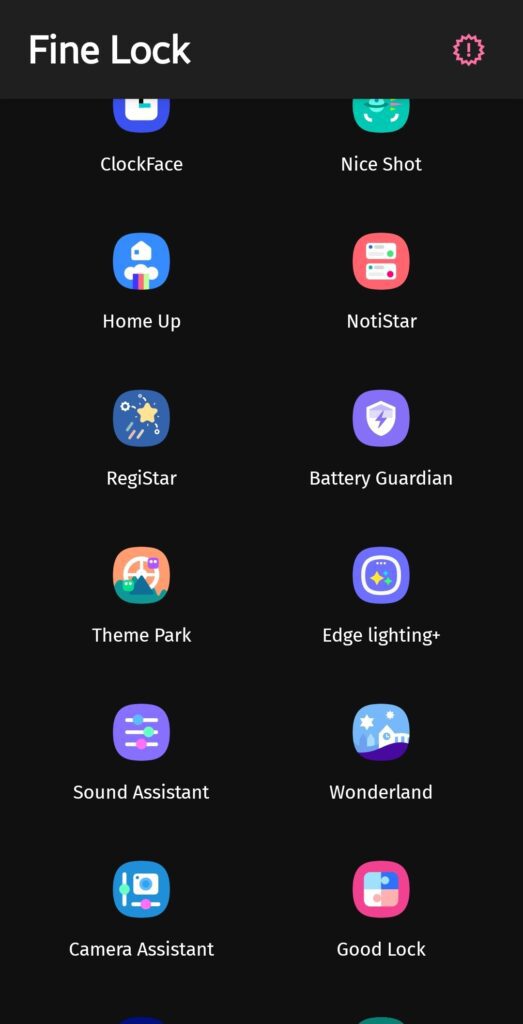
Fine Lock displays installed modules and links for modules you can download manually.
A download link does not guarantee support for your model. Check the module’s One UI requirement before proceeding.
Step 4. Select the module you want
Choose Home Up, Keys Cafe, LockStar, or another module from the Fine Lock page.
Fine Lock opens its website rather than downloading the APK inside the app.
Step 5. Download from the linked source
Fine Lock directs users toward APKMirror for module packages.
[Conditional] APKMirror is the source recommended by the Fine Lock developer. Samsung’s Galaxy Store remains the official Samsung distribution route when it is available for your device and region.
Step 6. Allow browser installation temporarily
Open Settings, tap Apps, select your browser, then tap Install unknown apps.
Turn on the permission only while installing the package. Disable it afterward.
Step 7. Match the package to your One UI version
Read the package notes before downloading.
For Keys Cafe, Samsung’s current listing separates the older One UI 4 through One UI 7 version from the One UI 8 redesign. Installing the wrong branch can create crashes, missing options, or failed installation.
Step 8. Install and restart
Open the downloaded APK from your browser or My Files. Install it, then restart your phone if the module does not appear immediately.
Launch the module through Fine Lock after restarting.
Why Good Lock May Still Be Required
Fine Lock launches the module, but it does not reproduce every Good Lock service.
[Confirmed] Fine Lock’s help center says modules such as LockStar, MultiStar, NavStar, and QuickStar may fail to preserve settings after a reboot without Good Lock installed.
That makes Fine Lock a companion, not a complete Good Lock replacement.
The safest setup on One UI 2 and newer is:
- Keep Good Lock installed.
- Install the module through Fine Lock if Galaxy Store blocks it.
- Open the module once after installation.
- Restart the phone.
- Confirm that your settings remain active.
[Conditional] Older Oreo and One UI 1 devices follow different dependency rules. Do not apply newer One UI instructions to those phones without checking the module notes.
Common Fine Lock Compatibility Problems
Problem: The module installs but crashes
Cause: The package targets another One UI generation, or your device lacks a required framework feature.
Fix:
- Check Settings, About phone, and Software information.
- Remove the module.
- Download the package matching your One UI version.
- Reinstall it through Fine Lock.
- Test the module after a restart.
Confidence: High, based on Samsung’s version-specific store notes and Fine Lock’s device requirements.
Problem: Module settings disappear after reboot
Cause: Good Lock is missing, disabled, or outdated.
Fix:
- Open Settings.
- Tap Apps.
- Search for Good Lock.
- Confirm that it remains enabled.
- Update Good Lock and the affected module.
- Restart the phone.
Confidence: High, directly supported by Fine Lock’s help center.
Problem: Good Lock says “Country not supported”
Cause: Samsung restricts Good Lock distribution or catalog access in your region.
Fix:
- Leave Good Lock installed.
- Close the regional error.
- Open Fine Lock.
- Launch the installed module from Fine Lock.
- Check Fine Lock’s update links for newer packages.
Confidence: Medium to high, because regional availability varies by CSC and Samsung account region.
Problem: The APK refuses to install
Cause: Android blocked unknown-app installation, the package conflicts with an existing version, or the APK does not match your device.
Fix:
- Open Settings, then Apps.
- Select your browser.
- Tap Install unknown apps.
- Enable permission temporarily.
- Download the correct package again.
- Disable the permission after installation.
Confidence: High for the permission fix. Medium for the package diagnosis until your exact error appears.
Problem: Keys Cafe opens but changes nothing
Cause: Samsung Keyboard is not the active keyboard, or the Keys Cafe build does not match your One UI version.
Fix:
- Open Settings.
- Tap General management.
- Choose Keyboard list and default.
- Set Samsung Keyboard as default.
- Reopen Keys Cafe.
- Apply the layout again.
Confidence: High, because Keys Cafe targets Samsung Keyboard rather than third-party keyboards.
Practical Tips for Fine Lock Users
Install one module at a time. You will identify the failing package faster than installing six modules together.
Save the working APK version before a major One UI update. Samsung’s module updates can arrive at different times, especially during beta releases.
Avoid One UI beta software if Good Lock controls your daily workflow. Beta builds often break modules before Samsung publishes compatible updates.
[Confirmed, dated December 2025] One UI 8.5 beta temporarily broke or limited several popular modules, including Home Up, QuickStar, LockStar, and NotiStar. Later updates restored support progressively.
[Confirmed, dated July 2026] Samsung had published One UI 9 updates for multiple modules, including Home Up, LockStar, NavStar, MultiStar, ClockFace, and RegiStar. Samsung continued preparing additional One UI 9 feature details in August.
[Conditional] A module may work on the Galaxy S26 series before the same One UI version reaches older phones. Samsung can release support by device family, region, and software build.
Use Fine Lock’s update indicator as a prompt to check, not as proof that an update will fix every problem. Read the package notes and compare them with your phone’s software.
For keyboard prediction problems, use this guide to fix Samsung Keyboard suggesting wrong words.
Frequently Asked Questions About Fine Lock Compatibility
Is Fine Lock an official Samsung app?
No. [Confirmed] YUH APPS develops Fine Lock as a community launcher. It has no affiliation with Samsung Electronics or Samsung Mobile.
Can Fine Lock install Good Lock modules automatically?
No. [Confirmed] Fine Lock cannot download module APKs inside its app. You must open the linked source and install the package manually.
Does Fine Lock make every Good Lock module work?
No. [Confirmed] Fine Lock helps you launch modules, but Samsung compatibility rules still apply. Device hardware, One UI Core, regional restrictions, and module requirements can block features.
Does Good Lock still matter when Fine Lock launches the module?
Yes, on many One UI versions. [Confirmed] Fine Lock’s help center says Good Lock acts as a dependency for several modules and helps preserve settings after a reboot.
Does Fine Lock work on LineageOS?
No. [Confirmed] Fine Lock targets Samsung devices running official Samsung software. The developer says AOSP builds such as LineageOS are unsupported.
Does Keys Cafe work with Gboard?
No. Keys Cafe customizes Samsung Keyboard. Set Samsung Keyboard as the default input method before applying a Keys Cafe layout.
Are all Good Lock modules compatible with One UI 9?
No. [Confirmed, dated August 12, 2026] Samsung has released One UI 9 support for several modules, but support remains module-specific and may vary by device. Check the latest Galaxy Store notes for each plugin.
Should you install a One UI beta if you rely on Good Lock?
No, unless you accept broken customization features. Beta software can leave modules unavailable until Samsung releases matching updates.
Fine Lock Is a Route Around Availability, Not Compatibility
Fine Lock solves one specific problem: Samsung’s Good Lock catalog does not appear identically for every Galaxy user.
It can expose download links for modules hidden by region restrictions. It cannot restore features removed from One UI Core, repair an incompatible APK, or force a module to work on unsupported hardware.
The safest workflow is simple. Check your One UI version, read the module’s current compatibility note, keep Good Lock installed when required, and test each module after restarting your phone.
Samsung’s One UI 9 rollout also changes the old advice. Several major modules now support One UI 9, but Samsung continues refining the suite. Treat compatibility as a dated status, not a permanent promise.
If your next goal involves home screen customization, learn how to rename apps and widgets with Home Up.
Which Good Lock module is missing from your Galaxy phone, and what One UI version does it run? Share both details in the comments.





Responses (0 )